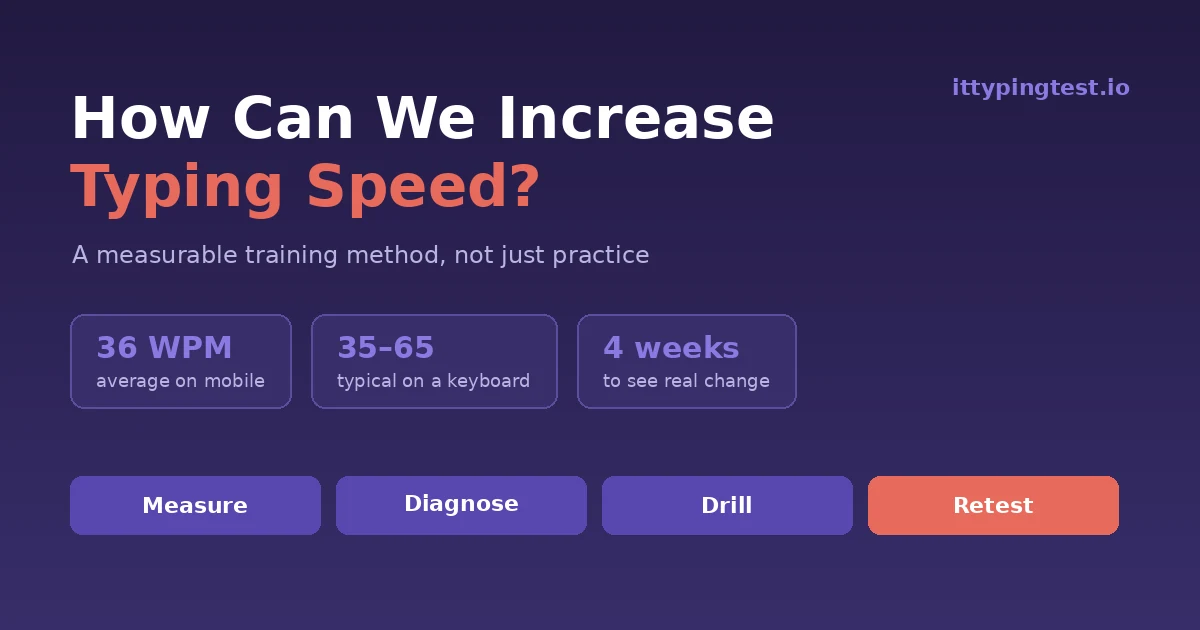
How Can We Increase Typing Speed? A Method That Actually Measures Progress
Ask most people how can we increase typing speed and you get the same four words back: just practise more. But practice without direction is how people spend six months typing at exactly the same speed they started at.
The people who improve fastest do something different. They treat it like training, not repetition. They measure, find the specific thing holding them back, drill that one thing, then measure again. Four steps, repeated weekly.
Here is that method, laid out properly.
Step 1: Get a Real Baseline
You cannot improve a number you have not written down.
Take a timed test on the ITTypingTest homepage and record four numbers, not one: your raw WPM, your accuracy percentage, roughly how many times you hit backspace, and how you felt at the end. That last one matters more than it sounds — tension and fatigue predict where you will plateau.
Do this at the same time of day, on the same keyboard, using the same test. Speed varies by 5 to 10 WPM depending on how awake you are, so an inconsistent test tells you nothing.
Step 2: Diagnose the Actual Bottleneck
This is the step nearly everyone skips, and it is why so much practice goes nowhere. “Slow typing” is a symptom with about six different causes, and each one needs a different fix.

Find your row. Be honest about which one describes you, because drilling the wrong thing is just a slower way of standing still.
The most common answer by far is the first one. If you are hitting backspace more than about fifteen times in a one-minute test, your problem is accuracy, not speed, and every minute spent on speed drills is wasted.
Step 3: Warm Up Before Every Session
Athletes warm up. Typists sit down cold, immediately take a timed test, score badly, and conclude they are not improving.

Five minutes. It costs a quarter of a twenty-minute session and it makes the other fifteen minutes count for far more, because you are practising at your real ability instead of your cold-start ability.
Step 4: Drill Deliberately, Not Comfortably
Here is the uncomfortable truth about practice.
If your practice feels easy, it is not working.
Real improvement happens just past the edge of what you can already do. That means:
- Typing at a pace where you make a few mistakes, not zero and not dozens
- Drilling the specific words that trip you up, not general text
- Stopping when you get tired, because tired practice teaches sloppiness
Twenty minutes at the right difficulty beats an hour of comfortable typing. This is also why people who type all day for work often do not get faster — they type constantly, but always well within their comfort zone. Volume alone does not create improvement. Difficulty does.
A practical way to find that edge: type at your normal pace for one minute and note your accuracy. Then push about 10% faster. If accuracy falls to roughly 92–94%, that is the right zone. If it collapses to 85%, you have pushed too hard and you are now practising errors. If it stays at 98%, you are still inside your comfort zone and nothing is being learned.
Step 5: Track More Than Speed
Weekly retests are where the method pays off, but only if you record enough to see what is happening underneath.

Look at week two in that log. Speed dropped by five WPM. Someone tracking only WPM would panic and abandon the whole approach — but accuracy jumped six points and backspaces fell by two thirds. That is exactly what progress looks like before it shows up as speed.
Test Speed Versus Real-World Speed
Something worth knowing before you get attached to your test score: typing tests measure transcription, where the words are already in front of you. Real work is mostly composition, where you are inventing the sentence as you type it.
Those are different skills. Plenty of people score 65 WPM on a test and produce writing at half that rate, because their fingers are waiting on their brain rather than the other way round. That gap is normal and it is not a failure.
The practical implication is simple. Once your test score passes roughly 50 WPM, extra speed stops being the bottleneck for most everyday writing. At that point, the useful practice shifts from raw pace to typing your own thoughts without looking down — free-writing for five minutes a day does more than another transcription drill.
How Can We Increase Typing Speed on a Phone?
Most of us now type more on a phone than a keyboard, and mobile typing follows completely different rules.
Researchers from Aalto University, Cambridge and ETH Zürich studied 37,000 mobile typists and found an average of about 36 words per minute, with the fastest users passing 80. The single biggest factor was not practice or handset — it was thumbs.

Two thumbs instead of one finger is the largest single gain available on a phone.

The word prediction finding is the surprising one. It feels helpful, but reading and choosing a suggestion often takes longer than simply typing the word, so it can leave you slower overall. Auto-correct, which needs no decision from you, genuinely helps.
What Kind of Gains Are Realistic?
Expectations matter, because unrealistic ones make people quit in week three.

Notice how the gains shrink as you climb. Going from 25 to 40 WPM is mostly learning. Going from 70 to 80 is refinement, and refinement is slow. If you are already fast, be patient with small numbers.
Sitting comfortably matters here too — OSHA's workstation guidance recommends keeping wrists straight and shoulders relaxed, and poor posture is one of the most common reasons people stall around the 50 WPM mark.
Comments
Comments are reviewed before they appear.
No comments yet — be the first to share your thoughts.